







🕷️ New: Your free Halloween print of the week just dropped. Update to Lychee Slicer 8.0.3 to print the model | Get your free model →
  • Pricing
  • Ambassadors & Partners
Download
  • Sign up
  • Log in
  • Pricing
  • Ambassadors & Partners
  • Download
  • Sign up
  • Log in
Lychee
Slicer navigation
  • Overview
  • Resin
  • Filament
  • Supported 3D printers
  • Pricing
  • Download
Learn more
  • What is 3D Printing
  • What is a slicer?
  • Resin or Filament?
  • Begin 3D Printing
Assistance
  • Do you have any questions
    about our products?

    Talk to us
Lychee
29k members

Join the Lychee community on Discord

Join server

Free models, straight to your inbox

Join 100k+ makers getting free models, tutorials & product news first.

Lychee is your go-to place for 3D printing.
With our products, easily turn any digital dreams into reality.

Lychee Slicer

  • Overview
  • Resin
  • Filament
  • 3D Printers
  • Pricing
  • Download

Lychee Library

  • Overview
  • Pricing

About 3D Printing

  • Youtube Channel
  • What is a slicer?
  • Resin or Filament?
  • Begin 3D Printing

Discover more

  • Ambassadors & Partners
  • Documentation
  • Changelogs
  • Careers
  • News

Credentials

  • Credits
  • Privacy policy
  • Terms & conditions
  • General conditions of sales
  • EULA

2024 © Lychee — All rights reserved.

  • Credits
  • Privacy policy
  • Terms & conditions
  • General conditions of sales
  • EULA

Lychee

The World’s #1 3D Slicer. The Best Printing Solution.
1+ million users worldwide. 750+ printers.

  • Lychee Slicer

    Bring your 3D models to life easily with our all-in-one slicer.

    Download & try
    Discover Lychee Slicer
  • Lychee Slicer + Library

    The complete printing package. Select models from top creators and print them in a click.

    Subscribe
    Browse 3D models
  • New

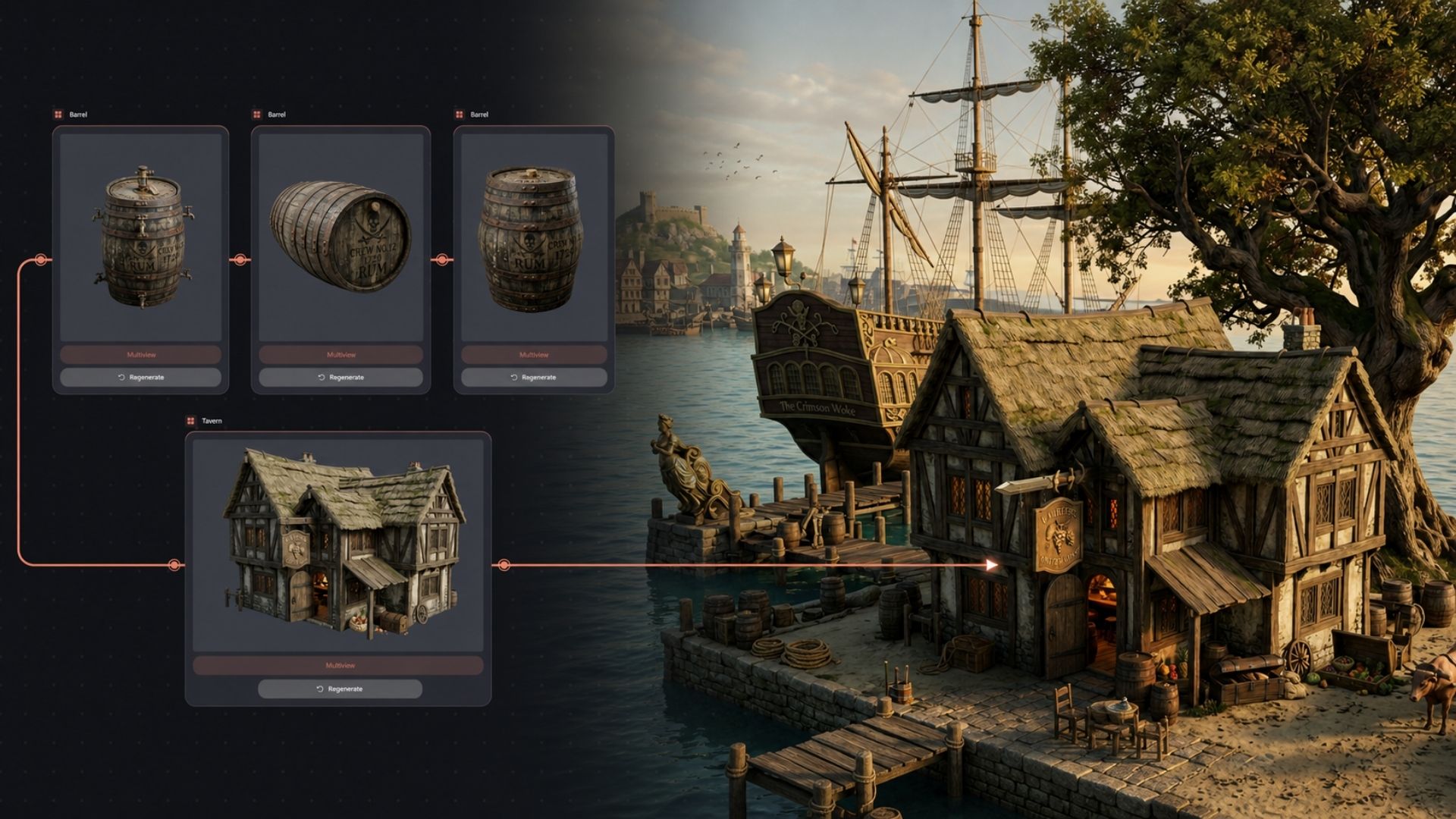
    Lychee Gen

    Turn any idea into a print-ready 3D model in minutes using AI. No modeling skills required.

    Create your own 3D model

Welcome to the lychee world

You dream it. You print it.

Lychee is made to 3D printing accessible to everyone by offering the most innovative and user-friendly tools.

From your first slice to your final print, every detail is designed to work in harmony. Lychee Slicer makes printing easy. Lychee Library gives you models ready to go. Together, they turn imagination into reality.

Choose your Lychee plan

Creators & Projects

Start your limitless 3D printing journey.
Ready to print anything you want? Lychee's products are here to make your 3D printing experience enjoyable. Explore a gallery of inspiring creations from our 120+ passionate ambassadors across the world and start your Lychee experience today. We can't wait to see your upcoming prints.
  • Polymind Studio
    @polymindstudio
  • Mels3DLABS
    @mels3dlabs
  • Wekster
    @wekster
  • Polymind Studio
    @polymindstudio
  • ZEZ Studios
    @zezstudios
Discover our ambassador projects

Printing has never been so easy

  • A caring community.

    Connect with our friendly community of 3D creators. The best place to learn and share.

  • A lot of tutorials.

    Get support from the Lychee team through a collection of helpful tutorials.

  • Always up-to-date.

    Our regular slicer updates bring you the latest advancements in slicing technology.

Lychee, your printing partner

Find, slice & print easily.

  • Lychee Library

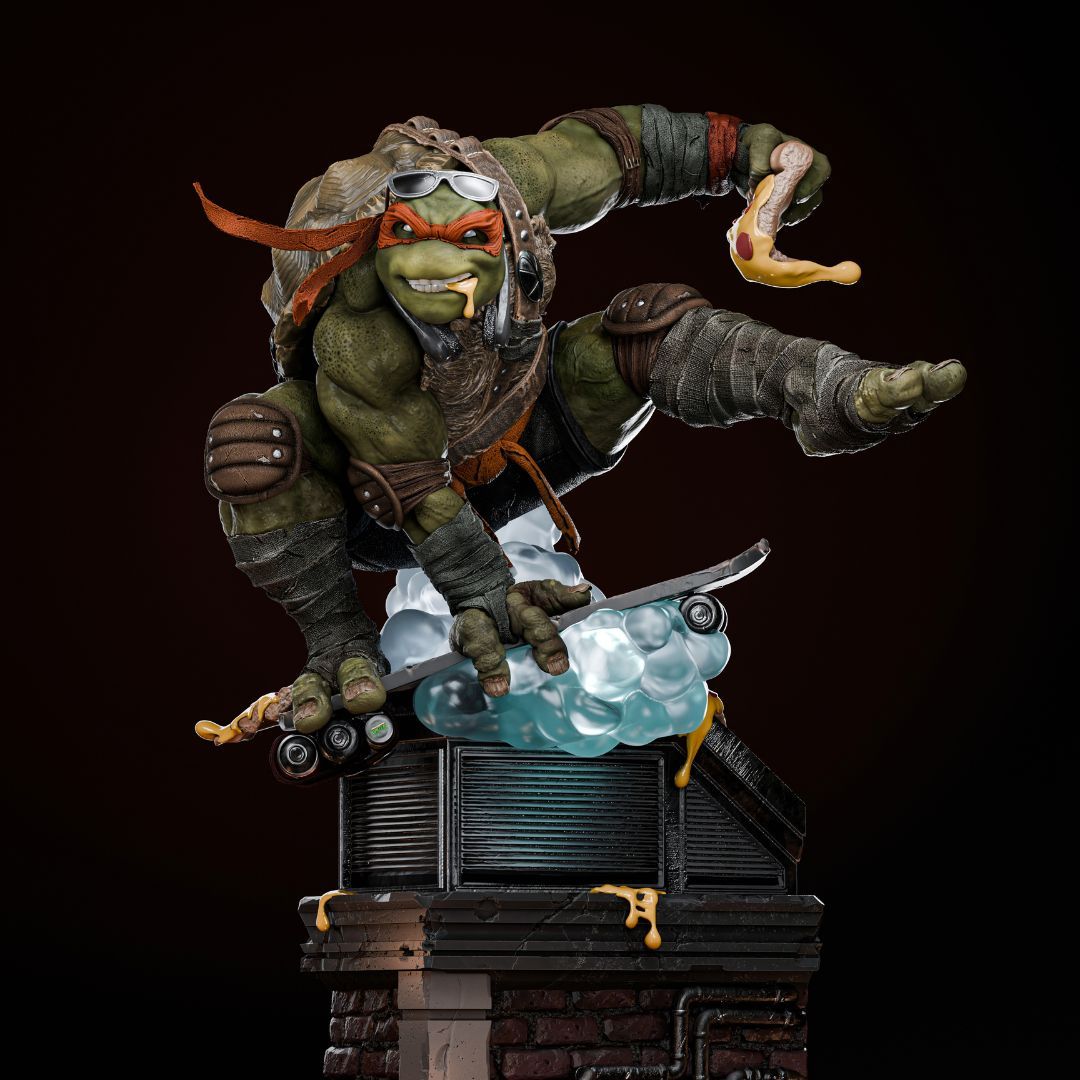
    The most complete 3D printing package. Want to print something cool in one click? Get pre-supported models from the best creators and yes, Lychee Slicer Plus is included.

    Discover Lychee Library
  • Lychee Slicer

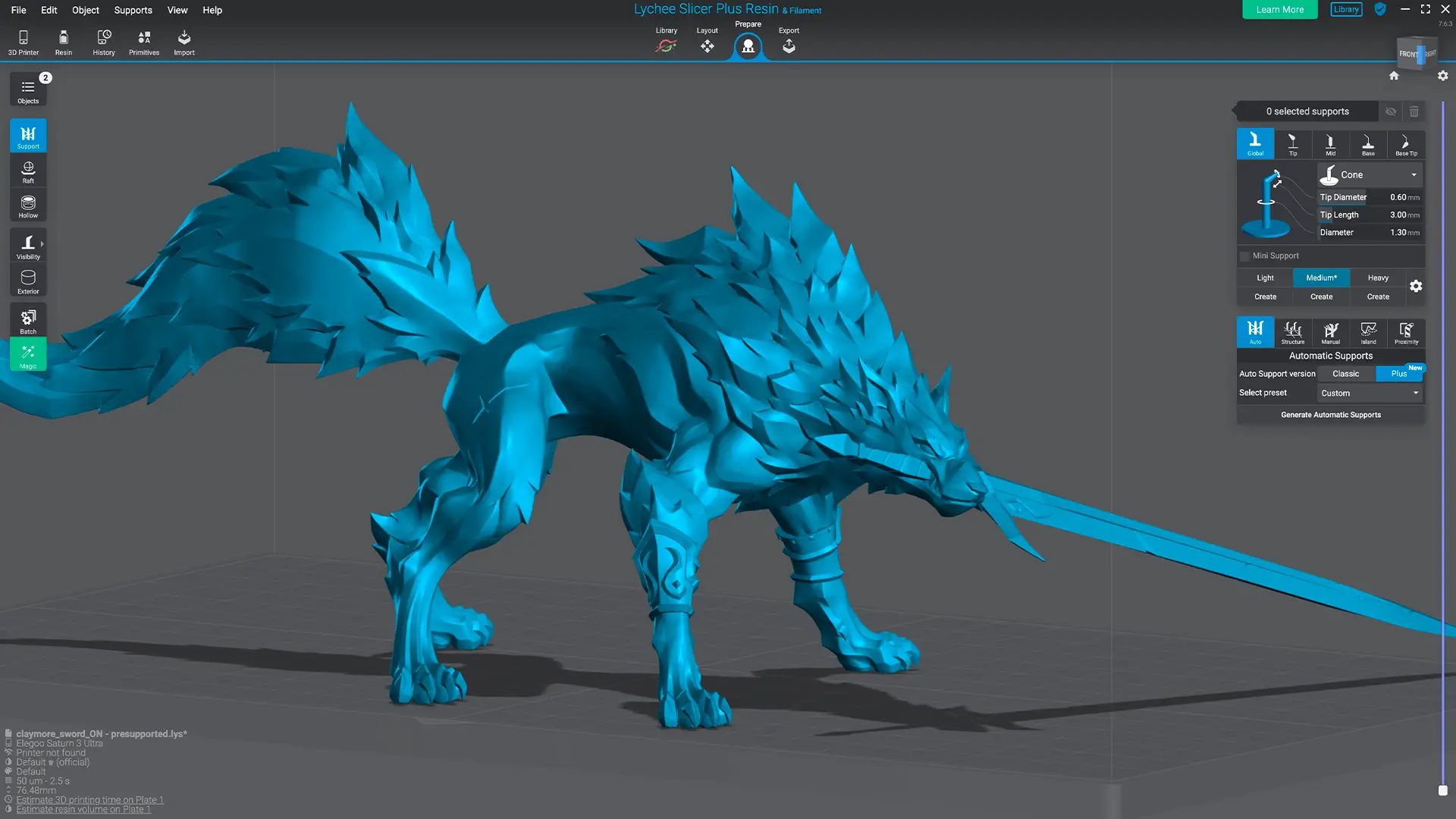
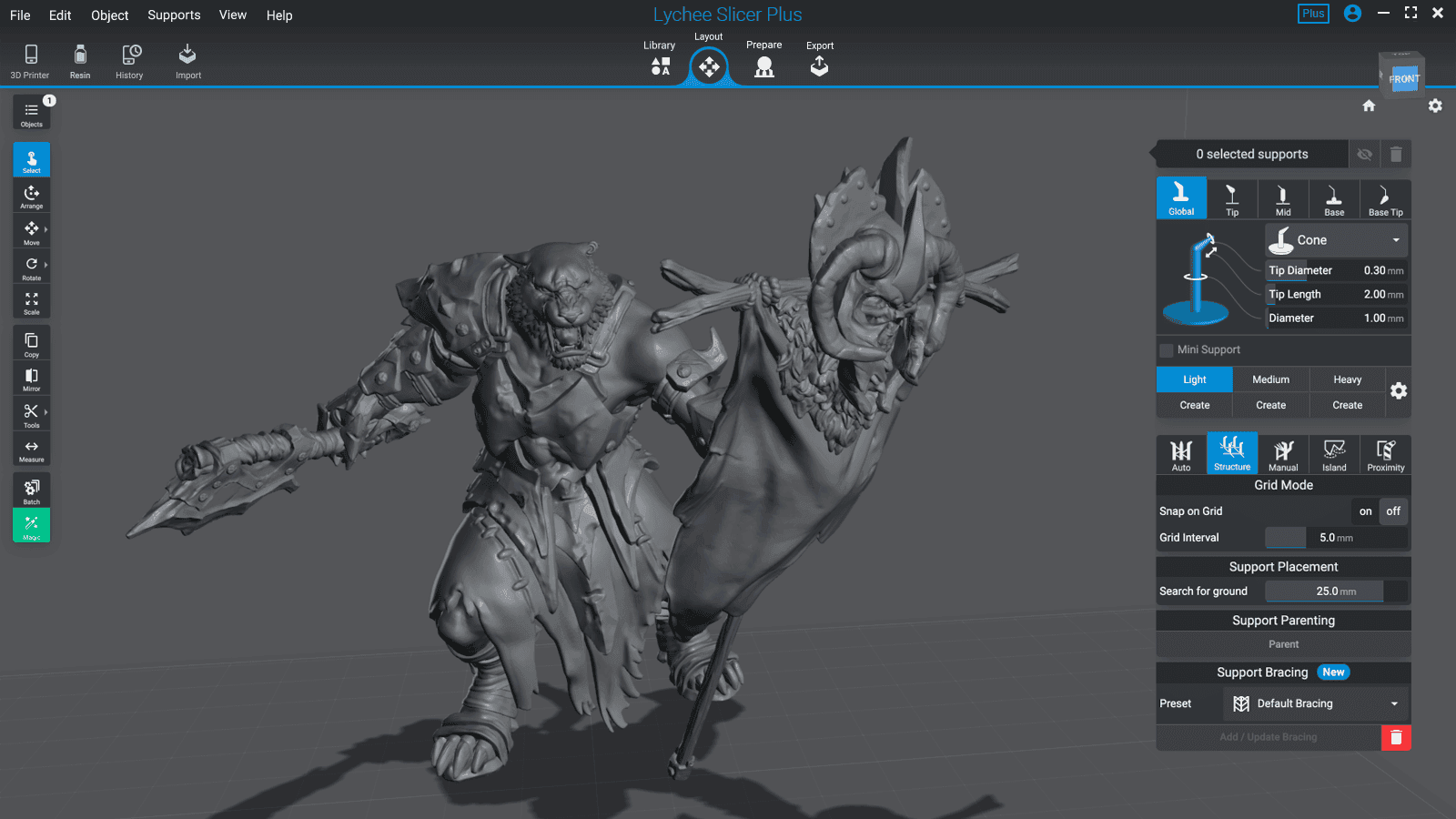
    The world’s leading slicer. A powerful, easy-to-use tool for resin and FDM 3D printing. Made for beginners and pros. Compatible with 750+ printers. Simple to start, powerful as you grow.

    Discover Lychee Slicer

Join the 29 000 members of our Discord Community.

Our community is our top priority. At Lychee, we share your passion for 3D printing! Our channel are made to learn, connect with printing enthusiasts, and push the boundaries all together.
Join our Discord server
Frequently asked questions.

Find answers to common and accurate questions about Lychee. Check them out, they might be really helpful!

  • What is the difference between Lychee Lite, Lychee Plus, and Lychee Library subscriptions?

    Lychee offers three different options to meet any 3D printing needs:

    • Lychee Slicer Lite: this is your free version of Lychee Slicer. This version provides the basic tools you need to get started with slicing and 3D printing.

    • Lychee Slicer Plus: this edition gives you access to many features in Lychee Slicer. Our exclusive features make the Plus edition the best solution to simplify the printing process and improve print quality.

    • Lychee Library: then this edition combines all the Lychee Slicer software Plus version with a wide library of incredible 3D models crafted by the world's top creators. You can download these high-quality 3D models models directly within Lychee Slicer, making it a great way to find inspiration and print amazing objects.

    Subscribe to the edition you need and find more details on our Pricing Page.

  • Can I try Lychee Slicer Plus editions for free ?

    Absolutely! We want you to love Lychee Plus as much as we do and enjoy the best, game-changing slicing features to improve your printing projects. That's why we offer a free 30-day trial.

    How does it work? Download Lychee Slicer for free and activate your trial within the software. It's that easy! After 30 days, you can choose to keep exploring with Lychee Plus, subscribe to Lychee Library to download a wide diversity of 3D models, or stick with the free version. The choice is yours!

  • How to 3D print successfully?

    3D printing is all about three key steps, here's a quick breakdown for you:

    1. Find or create your 3D model: first, you need to select or design the 3D model you want to print. Are you looking for artistic or functional 3D objects? Dive into Lychee Library, that helps you find your next project among thousands of stunning resin or filament creations, from the world's best creators.
    2. Prepare your model with Lychee Slicer: once you have your model, you have to prepare it for printing and set-up your printer in a slicing software. Think of it like giving your printer step-by-step instructions. Lychee Slicer is the most intuitive and innovative slicer to help you with this. It lets you adjust the model, slice it into perfect layers for your 3D printer to understand. Our slicing software is also compatible with thousands printers. Check our Lychee Slicer supported printers.
    3. Print your 3D model: finally, you can print your 3D model, clean it, and add the post-processing work if needed for finishing touches.

    Want to learn more? Check out our dedicated page "What is 3D Printing" which explains it all in detail.

  • Why start 3D printing with Lychee?

    The Lychee team is made up of people with diverse 3D printing skillsets and levels. Our commitment to constant innovation ensures we address your needs and concerns. That's why Lychee creates intuitive products, such as Lychee Slicer and Lychee Library, designed for beginners and experts alike, ensuring they enjoy every step of printing.

    Moreover, we have created a detailed documentation to master every resin or filament print, from the most simple to the most complex objects. We can also count on a dedicated community on our Discord channel to help, talk, share creations, and keep the magic of 3D printing going.

    Visit our page "Beginning With 3D Printing" to learn everything you need to know to start 3D printing and begin your first project safely while optimizing your experience, with this step-by-step format.

  • How can I become a Lychee Ambassador or Partner?

    We're always looking for passionate creators and brands to join the Lychee family! Becoming a Lychee Ambassador or a Lychee Partner is really simple.

    Please visit our Ambassadors & Partners page and reach out to us directly through our special contact form available. Share a bit about yourself, your experience, and your ideas for collaboration. We'll then contact you to discuss potential ambassadorship or partnership opportunities.

  • How can I contact the Lychee team?

    For any general inquiries, questions, comments, or feedback concerning your Lychee experience, feel free to contact us easily via our contact form.

    Are you a Lychee Plus, Lychee Library user, or a Lychee Ambassador? Join our private Discord channel. It's the perfect place for real-time chat and support.

Latest
Lychee news

Discover all news
  • Lychee Library Celebrates Halloween: A Free Model Every Monday in October

    Spooky season has taken over the Lychee Library, and this year, we’re opening the vault. For the first time in two years, some of our most-loved Halloween models are escaping the Library. Every Monday in October, we’ll set one premium, presupported model free for everyone, for 7 days. No Library subscription needed. Just one exclusive treat every week.
    Releases
    Oct 1, 2026
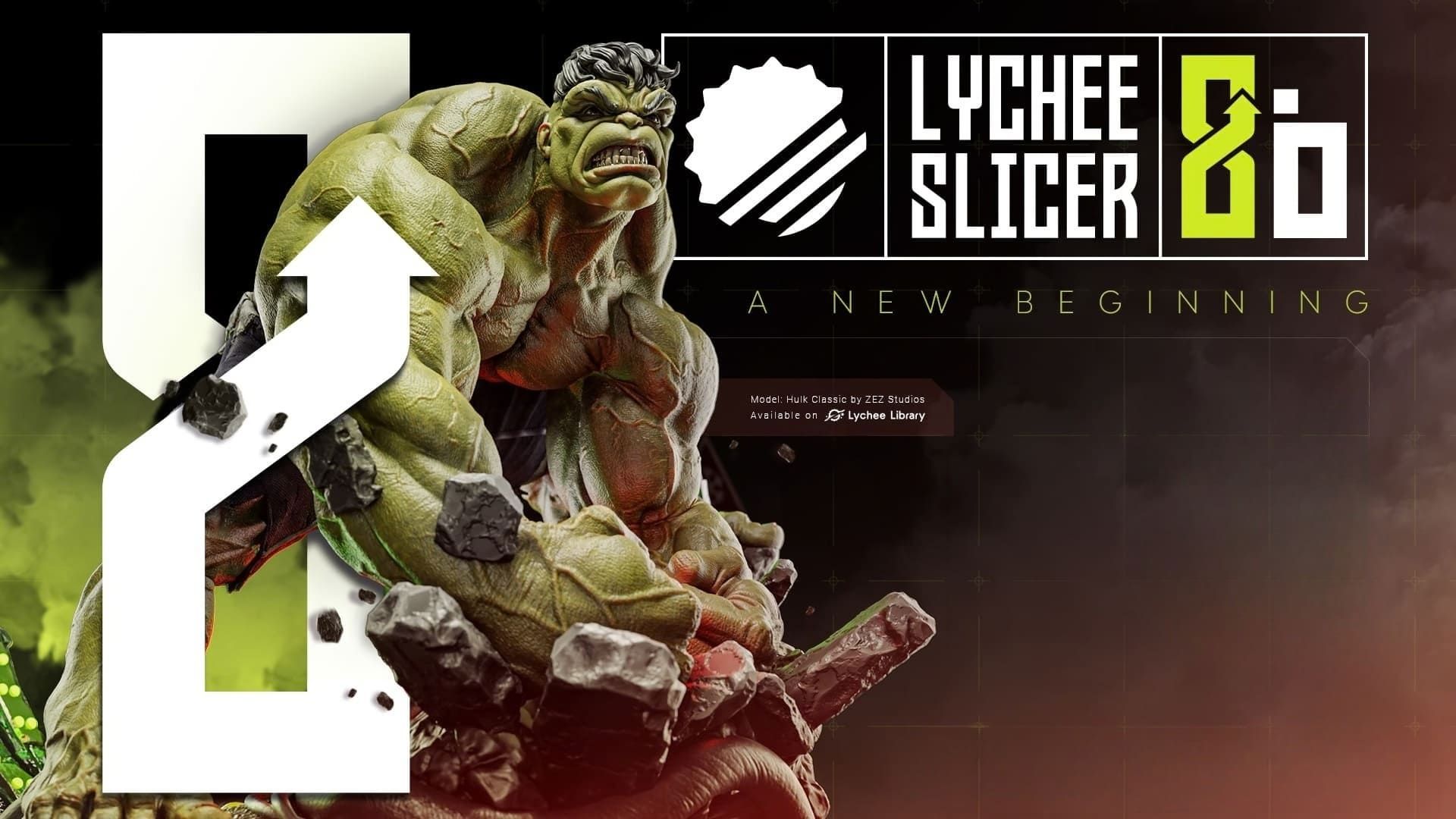
  • Lychee Slicer 8 Is Here: The Key Highlights

    Whether you just unboxed your very first 3D printer or you’ve been printing miniatures, tabletop heroes, and cosplay props for years, you share the exact same goal: to print as much as you want, as high quality as possible, and as fast as you can. We are here to deliver. After years of dedicated development and months of beta testing with our amazing community, Lychee Slicer 8.0 is officially here! But this isn’t just another update. Let’s take a look at what makes this release so special.

    Releases
    Sep 24, 2026
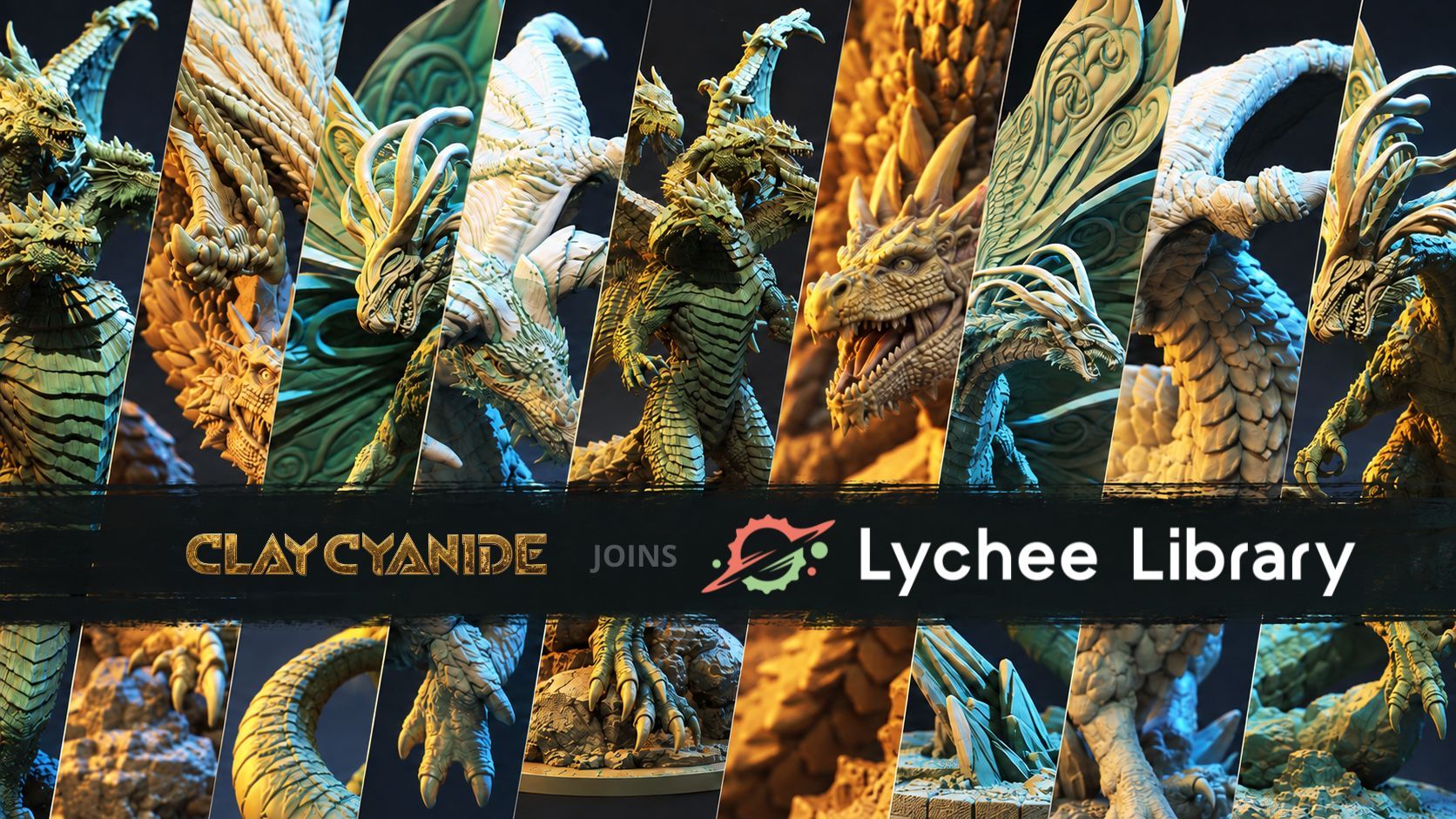
  • Clay Cyanide Miniatures Joins Lychee Library

    Dragon lovers, we’ve seen exactly what you’re searching for. For two years straight, “Dragon” has been the most‑searched term in Lychee Library, and miniatures remain your undisputed favorites to print. So for this new printing season, we teamed up with a creator who knows how to design dragons that truly dominate on a tabletop, on a shelf, and on your build plate.

    Releases
    Sep 9, 2026
  • Introducing Lychee Studio: Build an Entire 3D World Around Your Idea

    Build a complete 3D world around your idea with Lychee Studio. Create connected characters, props, environments, videos and 3D assets in one place.

    Releases
    Sep 2, 2026
Discover all news

Changelogs

Discover all changelogs
    • Lychee Slicer
    • Minor update

    Lychee Slicer 8.0.3

    Lychee Slicer 8.0.3 builds on the reliability improvements introduced in 8.0.1 and 8.0.2, with a focus on performance. This update reduces memory use during longer sessions, speeds up support editing and optimises automatic placement across multiple plates. It also improves auto-supports, restores everyday file-opening and saving workflows, and fixes sign-in, slicing and printer connectivity issues.

    • Lychee Slicer
    • Minor update

    Lychee Slicer 8.0.2

    Following 8.0.1, we’re continuing to improve the reliability of Lychee Slicer 8. This update fixes auto-supports passing through models and addresses startup, graphics and saving issues. It also introduces crash reporting to help us investigate unexpected closures and resolve them faster.

    • Lychee Slicer
    • Minor update

    Lychee Slicer 8.0.1

    Lychee Slicer 8.0.0 introduced a complete application rebuild. With that new foundation in place, we’re following up with a series of updates focused on fixing issues reported by our community. Lychee Slicer 8.0.1 is the first in this series, restoring manual .lyt saving and export, fixing hole creation, and addressing issues in model preparation. It also adds more control over infill.

Discover all changelogs

Start your 30-Day Lychee Slicer Plus free trial!

How does it work?

Download Lychee Slicer free and activate your Plus trial in the app.

After 30 days, continue your Lychee Slicer journey with Lychee Slicer Plus, Lychee Library, or keep using the Lite version. The choice is yours.

Try Lychee Plus – Free trial