Lychee Slicer New Auto-Support - Print easy
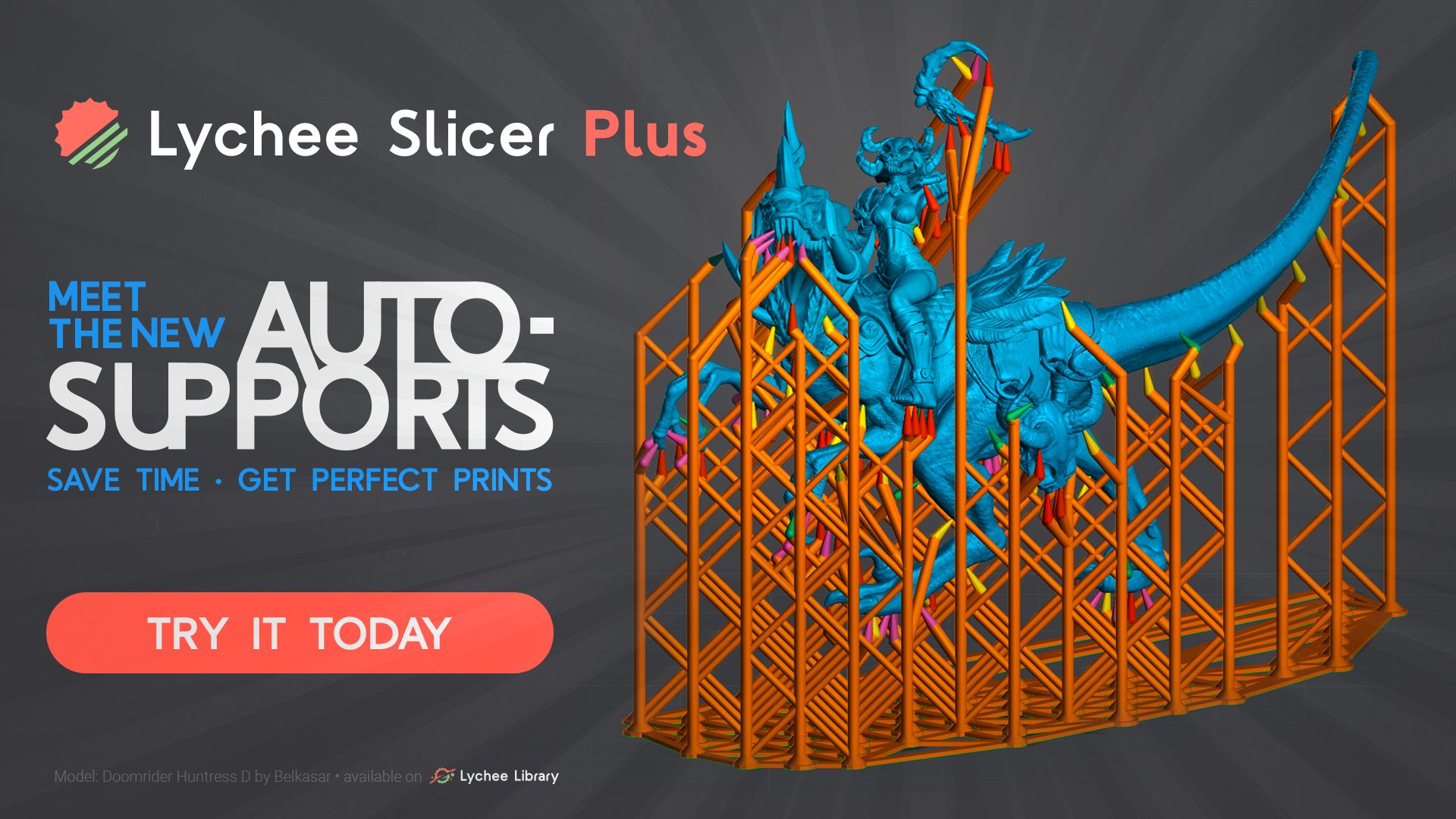
Lychee Slicer 7.5 introduces a completely redesigned Auto Support system our biggest project this year. After one week of open beta and positive community feedback, we're excited to bring you a smarter, more powerful way to generate supports. The new algorithm analyzes your models in 3D, categorizes different support needs, and applies intelligent strategies for each type. This is just the beginning more features are coming to Auto Support in future releases to simplify your printing workflow.
New 🎉
New Auto Support System (Plus Version)
The Auto Support feature has been completely rebuilt with advanced detection algorithms. Instead of a one-size-fits-all approach, the new system identifies four distinct support types and handles each appropriately.
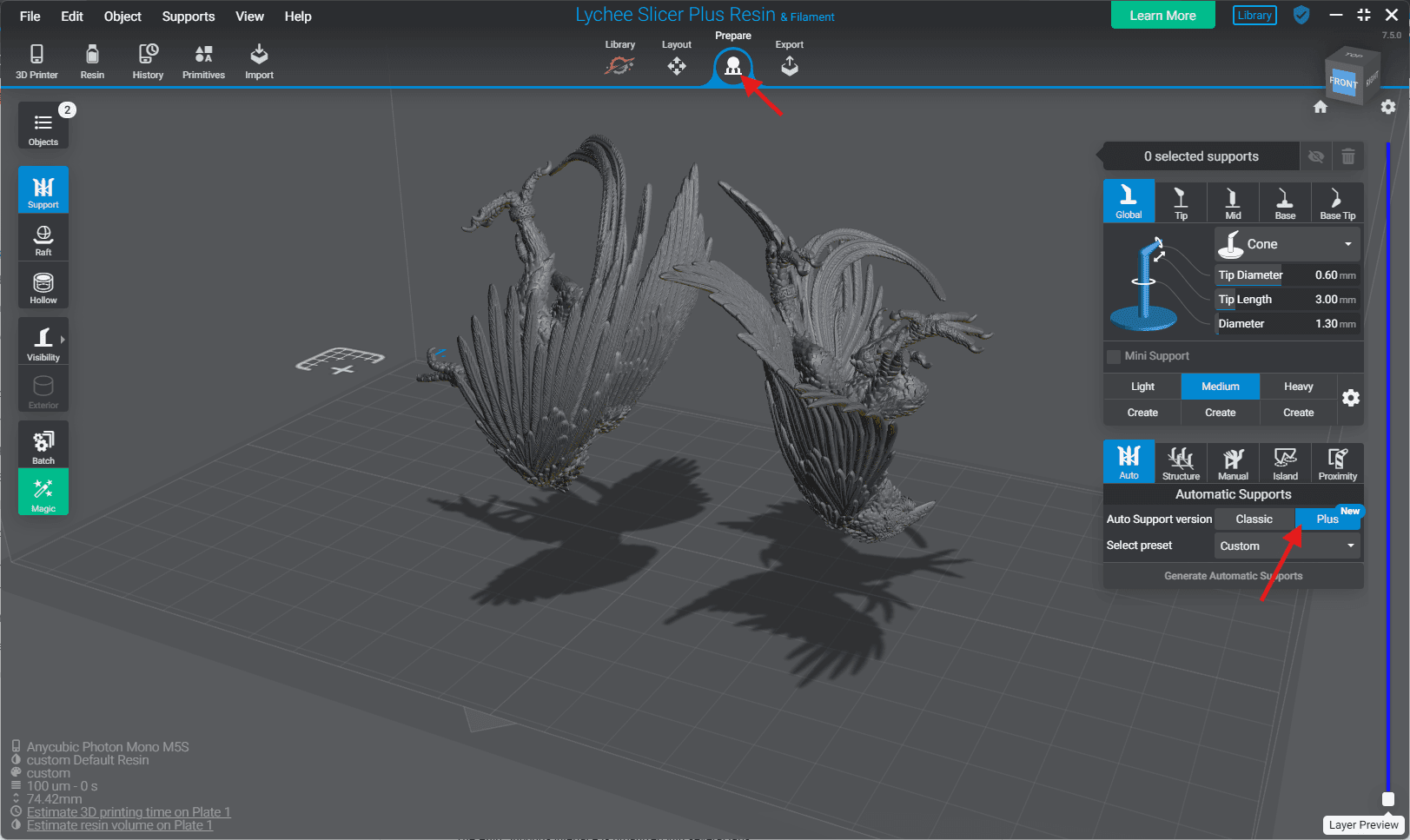
Access: Prepare tab → Supports menu → "Plus" Auto Support
Key Features:
- Four Support Categories:
Islands - 3D volume analysis categorizes isolated areas as Small, Medium, or Large
Reinforcement - Analyzes volume above islands to provide structural integrity
Overhang - Angle-threshold based detection with configurable density
Stabilization - Spacing-controlled supports for tall structures
- New Interface:
Multi-tab configuration panel with independent controls for each category
Range-based classification (Small/Medium/Large thresholds)
Density and height parameters for precise control
- Enhanced Preview:
Color-coded support tips: 🟠 Islands, 🟣 Reinforcement, 🟡 Overhang, 🟢 Stabilization
Category Controls panel for selective visibility
Navigation tool for unsupported points
- Advanced Options:
Min Area Threshold: Excludes small overhang surfaces
Ignore Small Islands: Treats tiny islands as overhangs instead
Non-destructive workflow: Preserves manual supports when running Auto Support
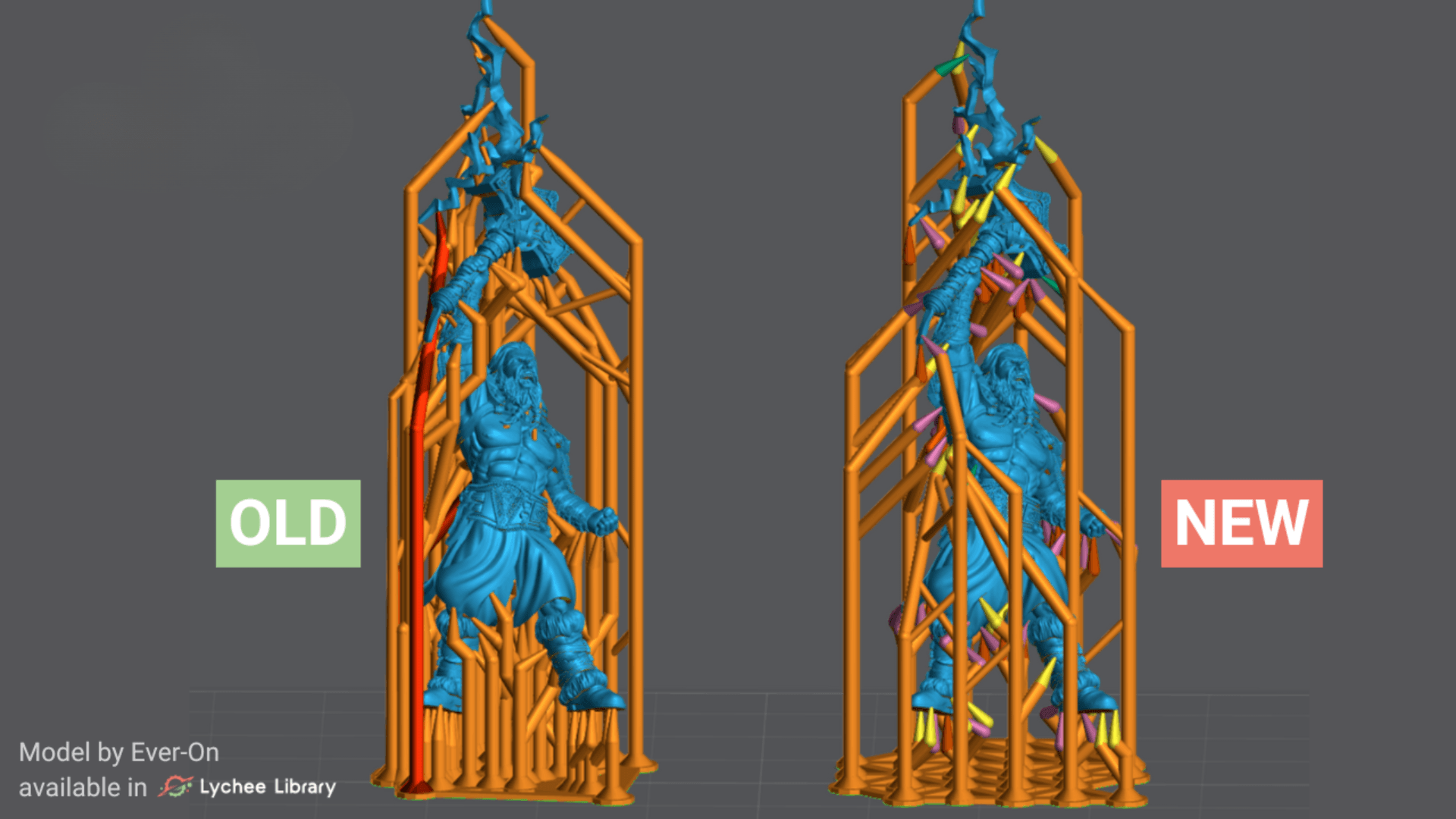
✅ Available on: Lychee Slicer Plus, Lychee Library, Trial plans
⚠️ Important Notes: Existing custom support presets need to be updated. The new system is based on Lychee's default support settings. Those default preset is optimized for miniatures.
Coming Soon: The auto-support revolution has begun, and this is the first big step. Many valuable improvements are coming in the next release. Preset import/export is on the way for the next one.
Fixed 🐛
- Creality Halot One - Z-axis compensation restored