Pen & pencil holders 3D print models
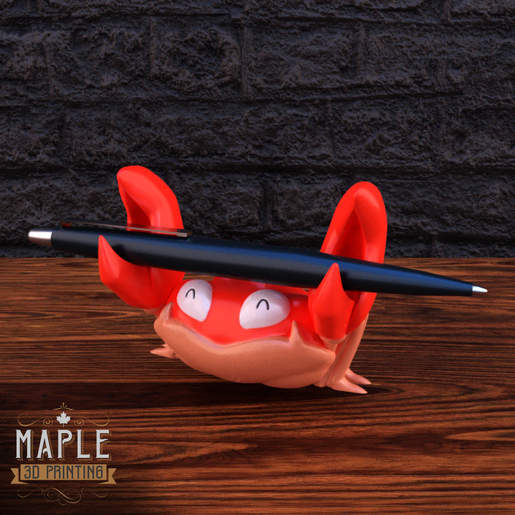
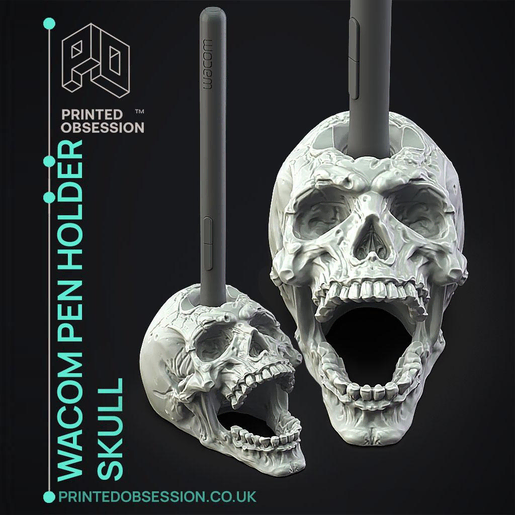
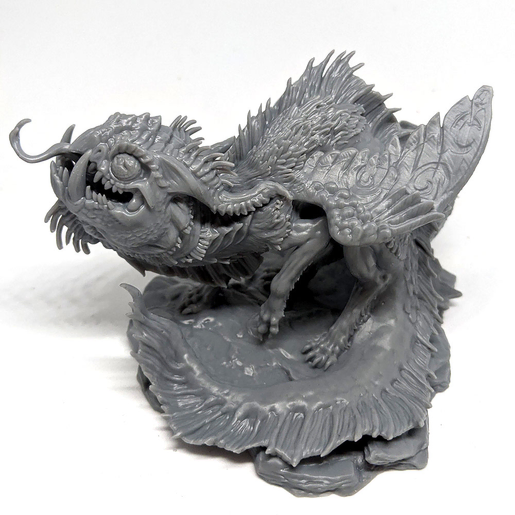
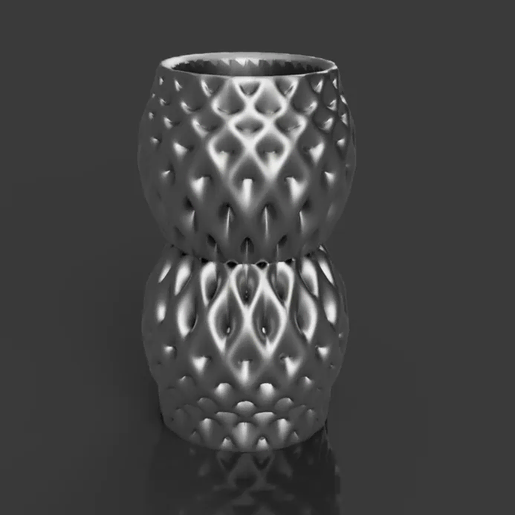
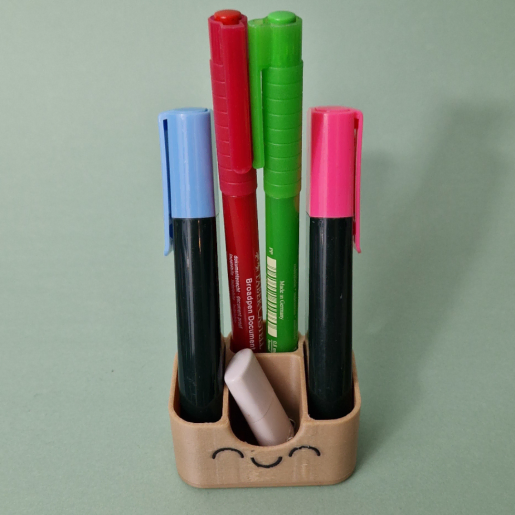
(6)Useful, quick and a good canvas for a character: the pen holder is the desk object people 3D print most. A skull Wacom pen holder, a Krabby pen cup, a baby dragon wrapped around a pencil, a dragon fruit pencil holder, a tiny cute pot, for desks and for the gift drawer.
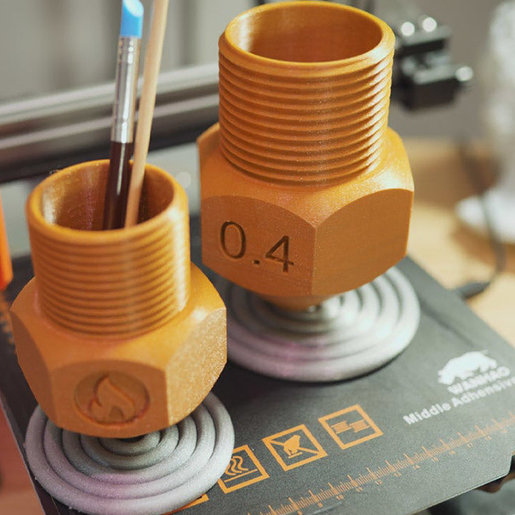
Simple cups print in PLA on an FDM printer in an hour or two, upright with no supports; sculpted holders with a figure print in resin at 8 to 12 cm, hollowed with a drain hole at the bottom. Both need a flat base and a cavity deep enough for a standard pen, about 10 cm.
A figure holder in coloured resin needs no painting to look finished. The rest of the desk is in desk organizers and phone stands; the skull version also appears in skulls.
Hollow a sculpted holder with a 2 mm wall and let it cure fully before use so the inside stays hard.
6 models
Frequently asked questions
FDM for plain cups and organisers, which need to be cheap and tough. Resin for sculpted holders where the figure is the point; hollow them with a 2 mm wall and let them cure fully before use.
At least 9 to 10 cm for standard pens and pencils, and 6 cm for a stylus holder. Scale the model in Lychee Slicer if the creator's version is shorter.
Cure it fully, then apply two coats of a clear acrylic varnish inside and out. A felt pad glued under the base protects the desk and stops the holder sliding.
Models in the Lychee Library open directly in Lychee Slicer, with the supports and settings prepared by the creator. Whether the file can also be exported depends on the licence each creator sets, shown on the model page.