Octopus & kraken 3D print models
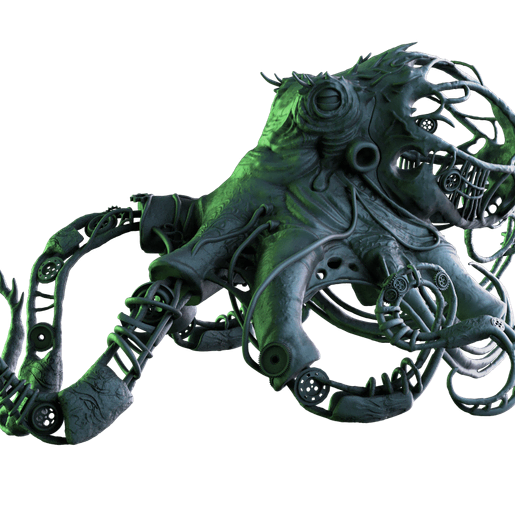
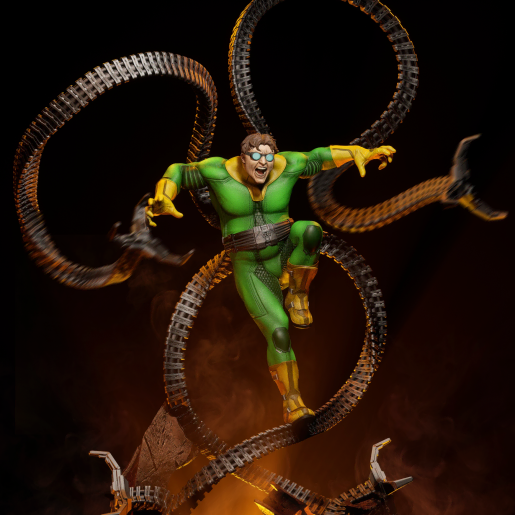
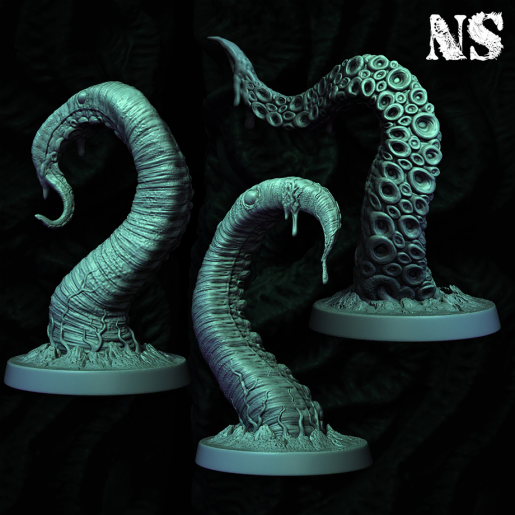
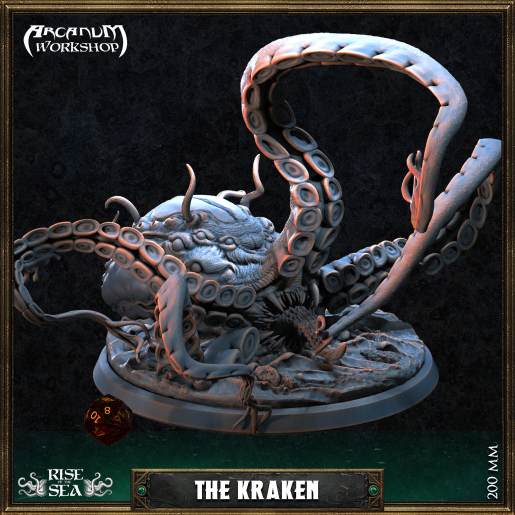
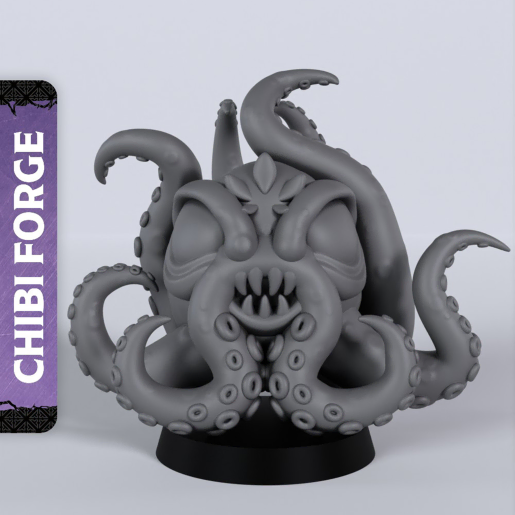
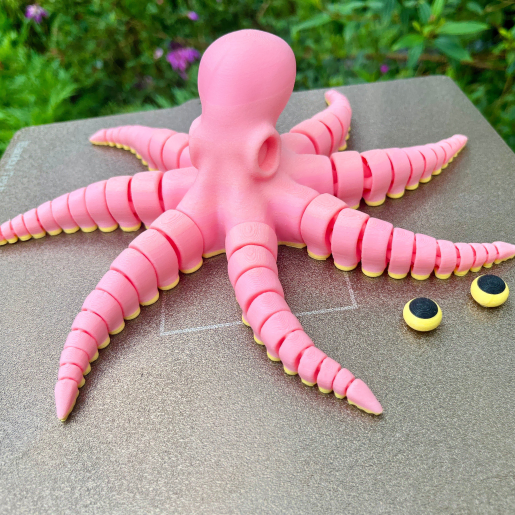
(6)Tentacles are made for 3D printing: they curl into self-supporting shapes, they take texture well, and they look good on a desk whether realistic or cartoon. The octopuses and krakens here go from a chibi kraken and a flexi octopus for filament to a Dr. Octopus figure and a large Kraken rising from the waves.
Realistic octopus sculpts print in resin at 8 to 15 cm; suckers and skin texture need a 0.05 mm layer height and supports under each tentacle. Flexi and articulated octopuses are FDM models that print flat in one piece and move afterwards; they need no supports and a slightly lowered flow for the joints. Krakens attacking ships are tabletop or diorama pieces, often cut into parts.
The rest of the sea is in sharks, fish and mermaids, and the ships they attack in boats.
A translucent resin suits the realistic sculpts; a wash in the sucker recesses and a dry-brush across them finish the piece.
6 models
Frequently asked questions
Use the creator's supports when provided. Otherwise tilt the model 20 degrees in Lychee Slicer, add medium supports under the thickest part of each tentacle and light supports at the tips, and print at 0.05 mm.
The flexi and articulated versions, designed for filament and printed flat without supports. Realistic sculpts with lifted tentacles are resin models.
Base the tentacle in the body colour, dry-brush a lighter tone across the suckers, then a thin wash of the darker shade between them. The relief does the rest.
Models in the Lychee Library open directly in Lychee Slicer, with the supports and settings prepared by the creator. Whether the file can also be exported depends on the licence each creator sets, shown on the model page.