Calibration & test prints 3D print models
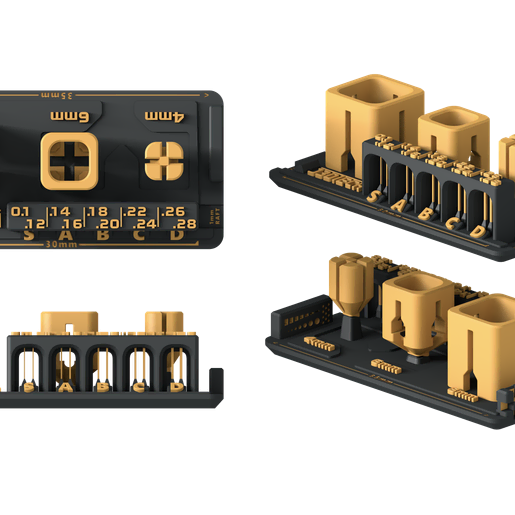
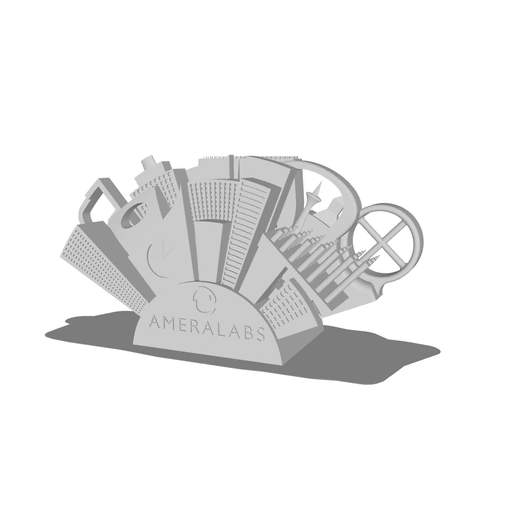
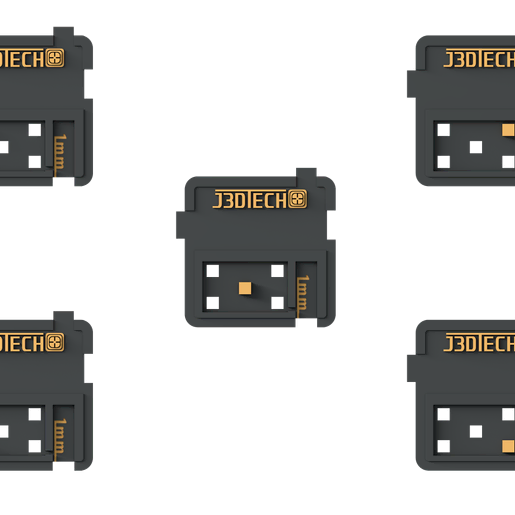
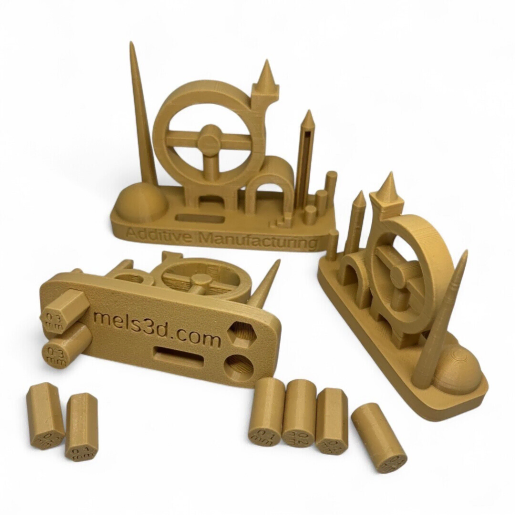
(4)Before printing anything that matters, print a calibration model. The test prints here, the AmeraLabs Town test, an all-in-one calibration piece, a build plate levelling test, boxes of calibration for dimensional checks, exist to answer specific questions about a resin printer, exposure, bottom layers, elephant foot, overhang limits and XY accuracy, before you commit to a long 3D print.
Each test is designed to be read: a column of towers shows at which exposure fine pillars survive, a bridge test shows how far your resin spans, a set of holes and pins shows whether parts will fit. Print the test with your usual resin and layer height, compare with the creator's guide, adjust one setting, and print again. Fifteen minutes of calibration save hours of failed miniatures.
Calibration pieces are flat on the plate and need no supports. Once your settings are dialled in, the miniatures and busts are where you will see the difference first.
4 models
Frequently asked questions
An exposure test such as the AmeraLabs Town. It tells you in one print whether your layer exposure is too low (missing pillars, soft edges) or too high (blobby holes, lost detail). Adjust in 0.2 second steps.
Every time you change resin, replace the FEP or LCD, or move the printer to a room with a very different temperature. A quick test print after each change takes less than half an hour.
The first millimetre of the print flares out wider than the model. Reduce the bottom layer exposure or the number of bottom layers, or lift the model on supports so the flare stays on the raft.
Models in the Lychee Library open directly in Lychee Slicer, with the supports and settings prepared by the creator. Whether the file can also be exported depends on the licence each creator sets, shown on the model page.